Conversions Sales Zones
The elements of the Sales Zone report view are as follows:
1. Key metrics overview modules
Section titled “1. Key metrics overview modules”New Applicants: Count of new applicants to your Approve Owl.
Invited: Count of customers invited to your Approve Owl.
Logged In: Count of applicants who logged in to Approve Owl.
Assets Pulled: Count of applicants who had their assets (bank data) pulled.

2. Sales Zone report table
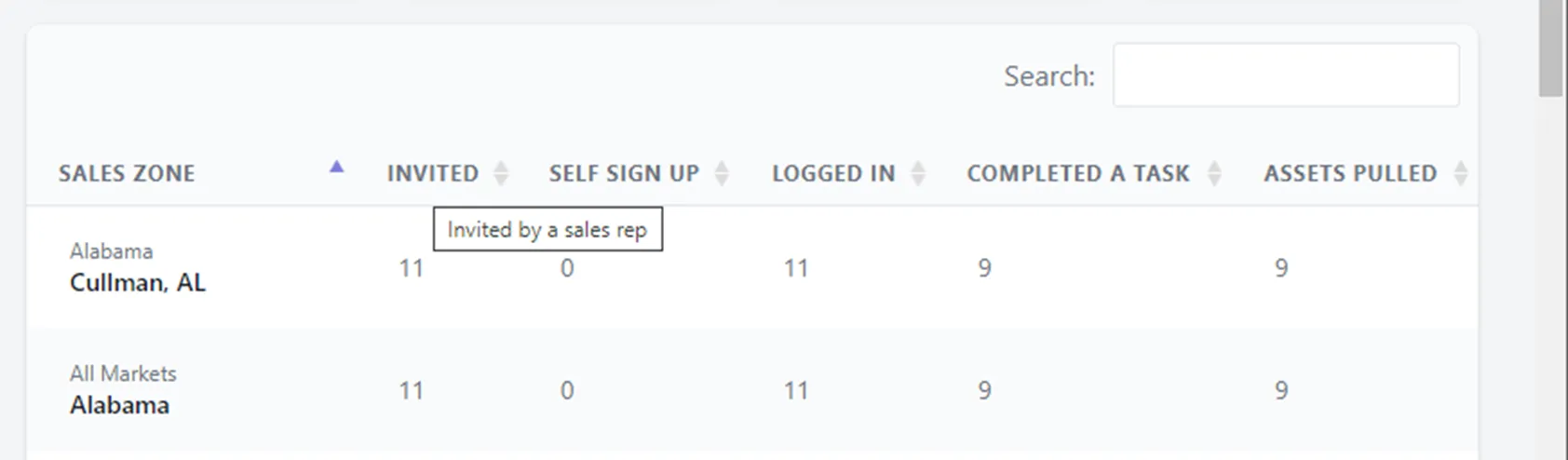
Section titled “2. Sales Zone report table”In this module, you’re able to use the Search functionality at the top right to locate a specific Sales Zone. You can also sort the list below.
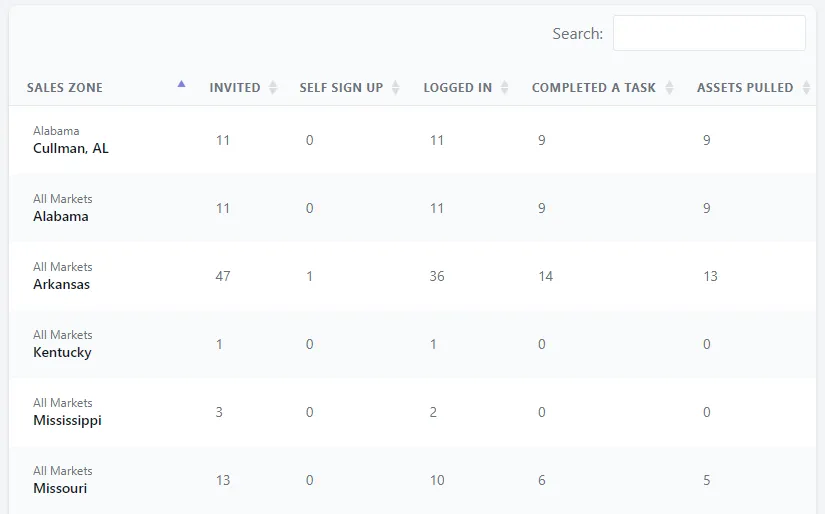
Each data row can be hovered over for a short definition of data type contained.