Conversions Applicants
The key elements of the Applicants Conversions report are as follows:
1. Filter drop down
Section titled “1. Filter drop down”Click in the drop down by clicking on “All Markets”. You’ll be shown a list of all your Sales Zones. Choose one to focus the applicants list to that particular Zone. Click Filter button to complete your Sales Zone selection.

2. Key conversion metrics modules
Section titled “2. Key conversion metrics modules”A repeat of the key conversion metrics, for easy reference.

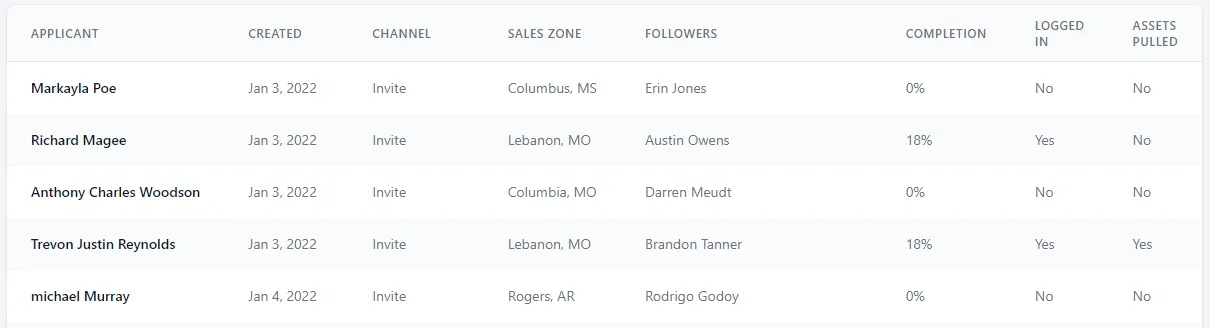
3. Applicants report table
Section titled “3. Applicants report table”A listing of all applicants in a table. Each column header can be hovered over to view a brief description of the data contained in that column.