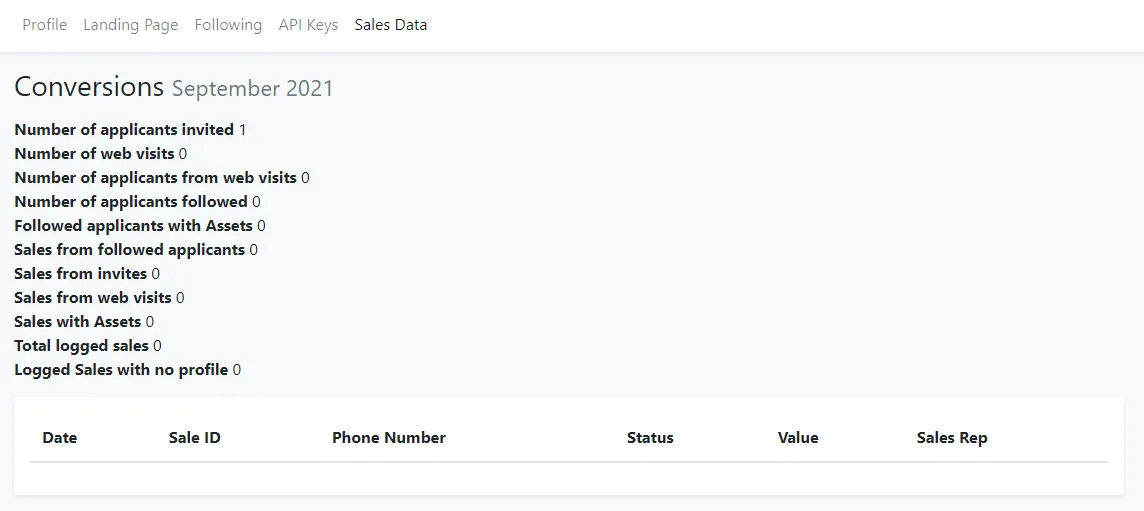
User Settings Page
1. Profile view
Section titled “1. Profile view”Provides an overview of your Approve Owl settings including your email on file for your user, your role in Approve Owl, your unique landing page url, and usage information.
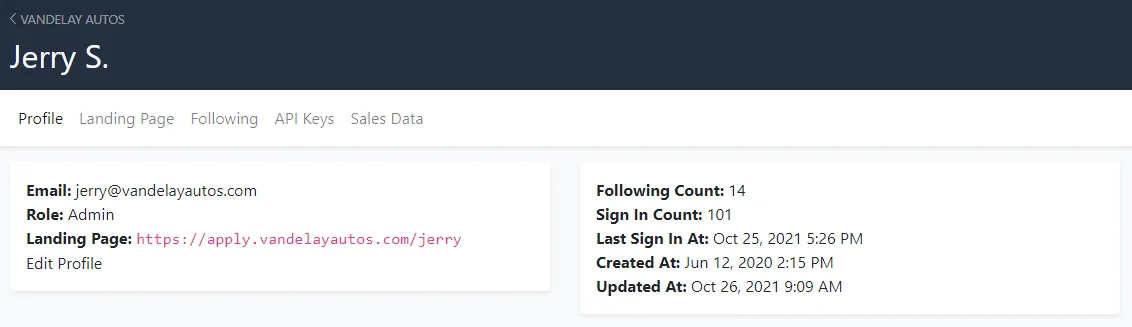
To update any item listed, click Edit Profile at the bottom of the first box on the left.
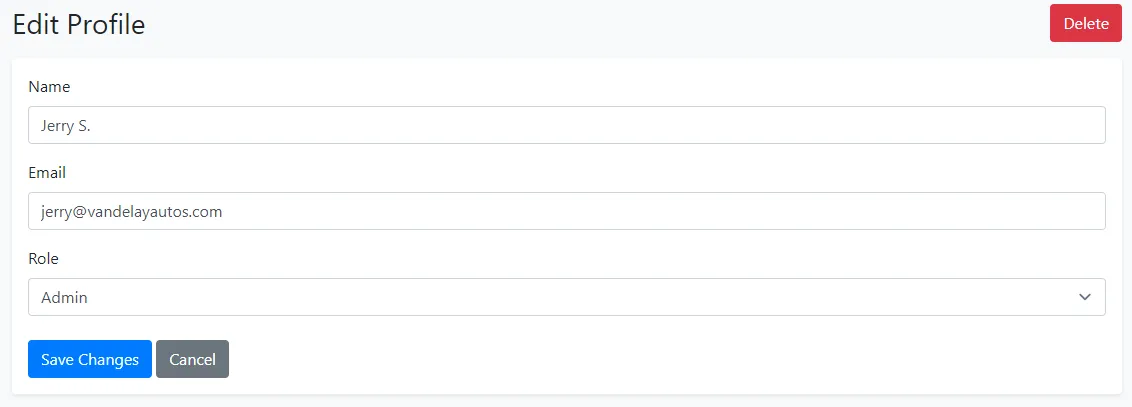
2. Edit Profile view
Section titled “2. Edit Profile view”Within this view, you are able to update your name as it appears in Approve Owl, your associated email address, and user role.
3. Landing Page view
Section titled “3. Landing Page view”Provides an overview of your customer-facing Approve Owl landing page where customers can begin the Approve Owl process themselves.
To change any of your landing page settings, click the blue Edit button to the top right. Once changes are in place, click the blue Save button at the bottom left.
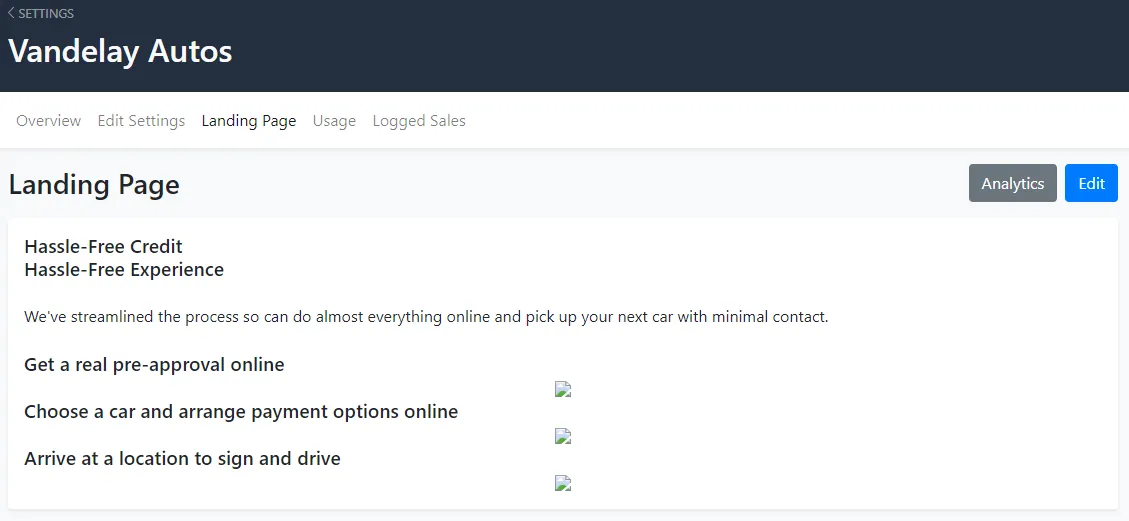 To view analytics for your landing page, click the grey Analytics button at the top right.
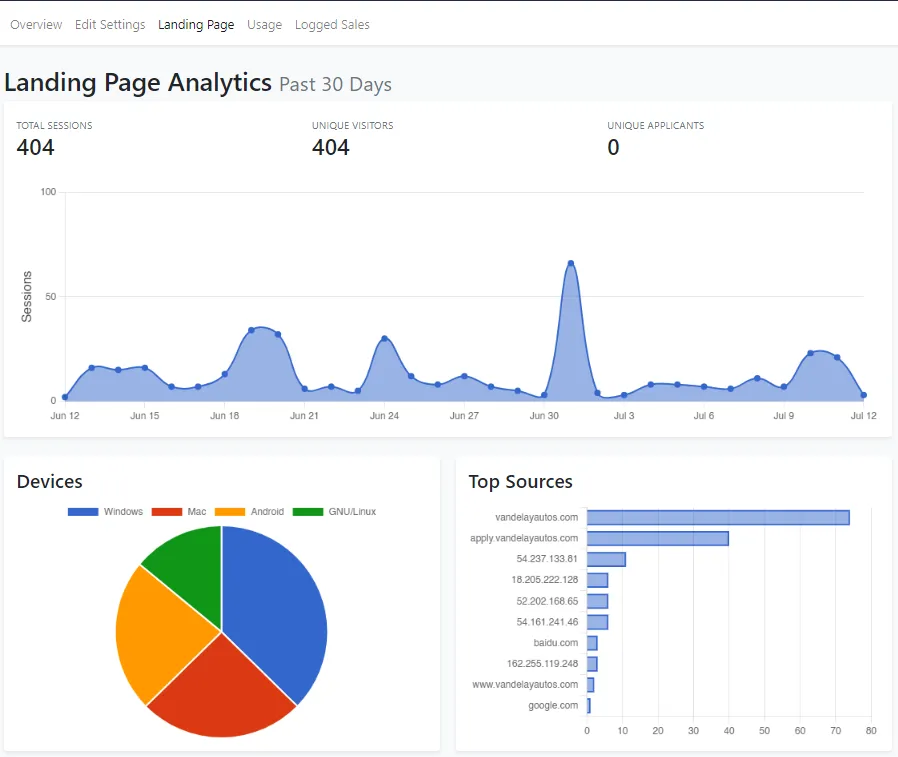
**Total Sessions =**Number of total visits to your Approve Owl applicant landing page
**Unique Visitors =**Unique visits (one count per applicant) to your Approve Owl applicant landing page
Unique Applicants = Unique number of customers who began the application process
Customer Conversion = Percent of unique visitors that began the application process
4. Following link/view
Section titled “4. Following link/view”By clicking on “Following in the sub-navigation, you’ll be taken to a listing of all applicants in Approve Owl that you follow.
5. API Keys view
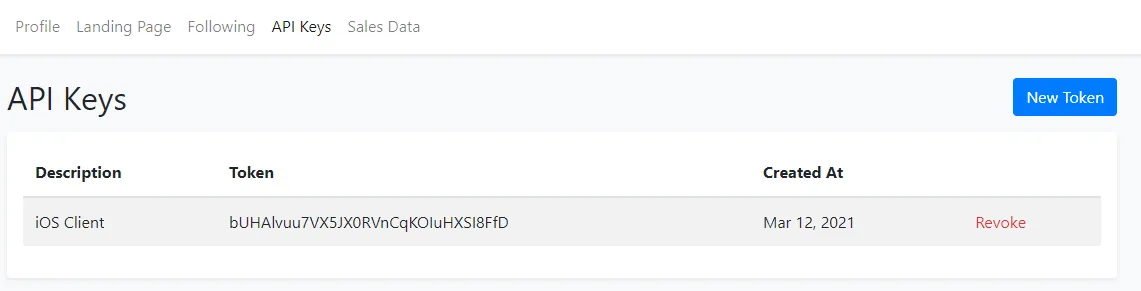
Section titled “5. API Keys view”Provides a listing of all API connections present for your user. Please work with your Approve Owl representative to add/revoke any API connections.
6. Sales Data view
Section titled “6. Sales Data view”To view the correlation between Approve Owl applicants and your sales, you can choose to load sales data to the system here via the “Import from CSV” button to the top right.