My Dashboard
When you first log-in to Approve Owl, you’ll view My Dashboard. This Dashboard provides a view of activity specific to your user and applicants you follow. The elements of the dashboard are as follows:
- Search Bar: Search for an applicant in Approve Owl by their name or phone number.

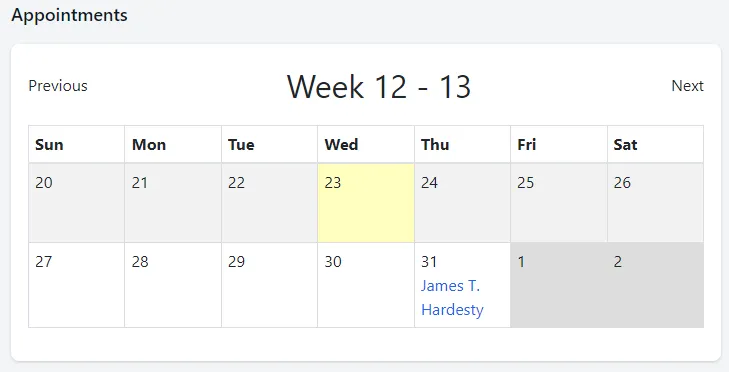
- Appointments: A 2-week view of any appointments for applicants that you follow. If an appointment is listed, it will be shown by listing the applicant’s name. You can click on the applicant’s name to go to their Approve Owl profile.
- Text Messages / Notifications: An overview listing of any pending text messages and notifications for you.
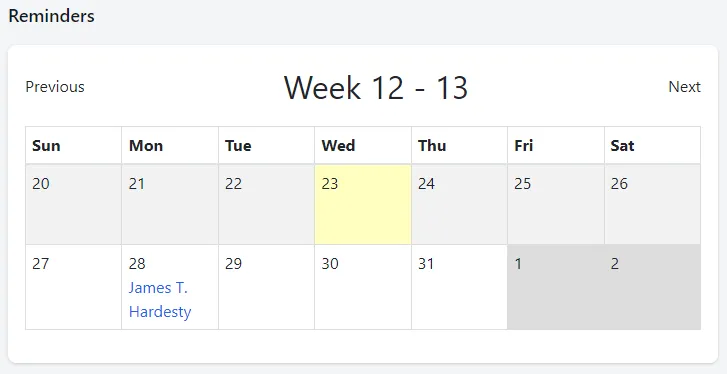
- Reminders: A 2-week view of any reminders for applicants that you follow. If a reminder is listed, it will be shown by listing the applicant’s name. You can click on the applicant’s name to go to their Approve Owl profile.
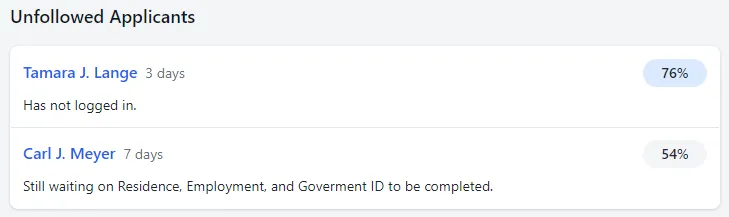
- Unfollowed Applicants: Listing of any applicants in your Approve Owl that are not followed by a user. These applicants could need a sales person assigned to ensure follow up with their application.