Uploaded Documents
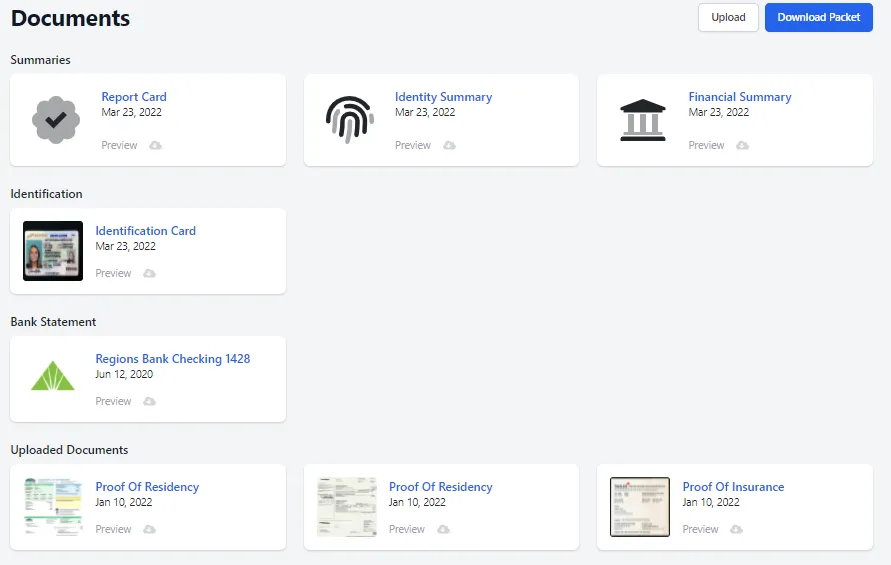
The last tab in the applicant’s profile shows all supporting documents uploaded by the applicant to their Approve Owl profile, such as proof of income, identification, or proof of residence. There is also a listing of each individual profile summary view for individual download, if desired.
Each document can be downloaded or previewed view the blue links beneath each individual document.
To the top right of the Documents view, you can also choose to upload additional documents to the applicant’s profile via the Upload button. This can be used if the applicant provided some documents in person and they need to be included in their Approve Owl profile.
To the top right, you can also download the full profile packet of the applicant. The Download Packet button will create one PDF document that contains all elements of the applicant’s Approve Owl profile. This is the document that you could share with the underwriting team, attach to the deal in your DMS, or import data back in to your CMS.