Applicant Notes
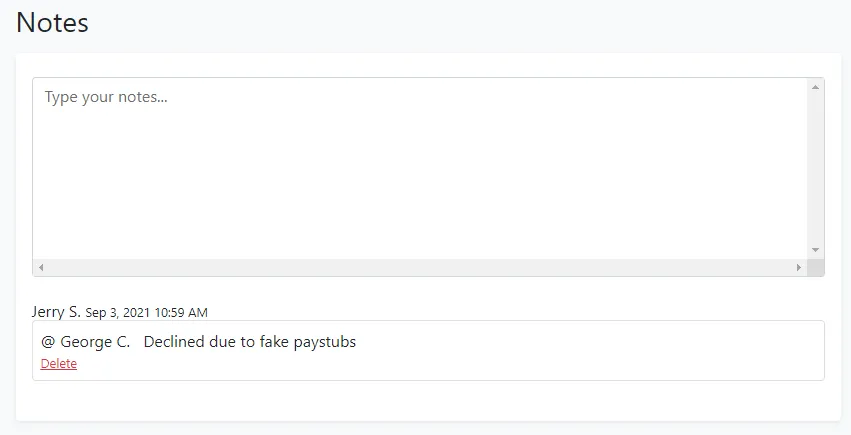
Within the Notes view, you’ll see an area to enter a new note and a log of all notes for the applicant. Within the box that shows “Type your notes…”, you can freeform enter any callouts or notes about the applicant. You can also tag other users in your note by typing ”@” then the user’s name. Each user has the ability to delete their notes in the notes history.
Each note entry includes a day/time stamp next after the name of the note author.